The Query tab
Execute SQL statements in your ClickHouse® cluster
The Altinity Cloud Manager UI provides the SQL Console, a panel that lets you run queries against your ClickHouse® databases, work with database schemas, look at processes running inside the cluster, and use a number of useful DBA tools.
NOTE: The SQL Console was previously known as the Cluster Explorer.
The top of the page looks like this:

The functions of the buttons and menus are:
 - The back button. Takes you back to the cluster view for this cluster.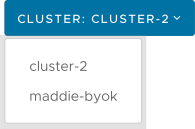
sample-cluster cluster, the menu looks like this:
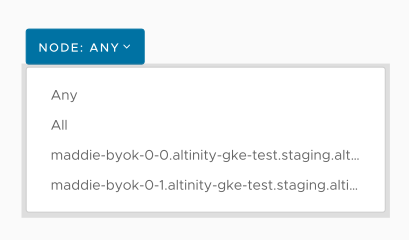
 - lets you import a sample dataset into your ClickHouse cluster. The Importing a Dataset page has complete details.
 - The refresh button. Refreshes the display, as you would expect.
See the following pages for details:
Execute SQL statements in your ClickHouse® cluster
View the databases and tables in your ClickHouse® cluster
See what’s happening in your ClickHouse® cluster
Use system-level tools to investigate your ClickHouse® cluster
Creating REST endpoints from saved queries
Loading sample data into your ClickHouse® cluster