Importing a Dataset
The Cluster Explorer makes it easy to import a sample dataset into your ClickHouse® cluster. The IMPORT DATASET button is at the top of the page:

When you click it, you’ll see this dialog:
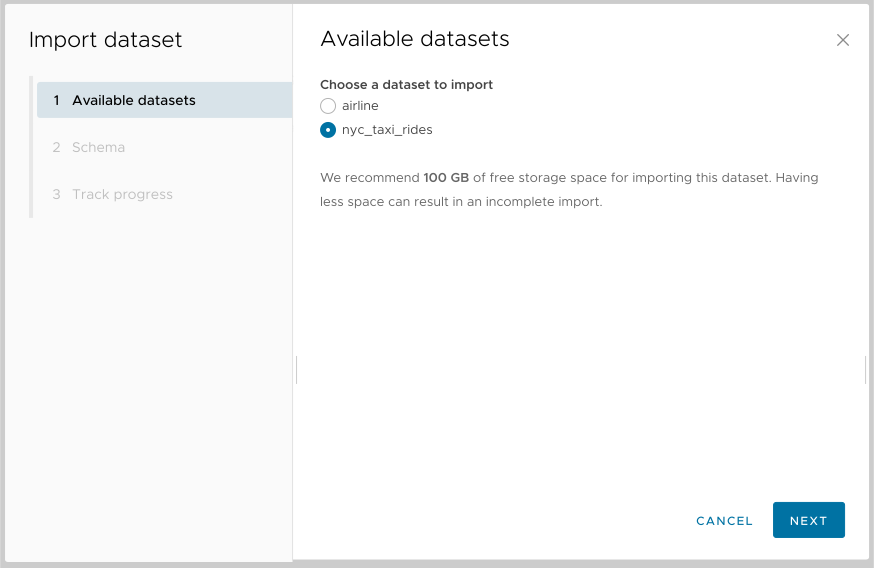
Figure 1 - The Import Dataset wizard
Select the dataset you want and click NEXT. Next you’ll be asked about the database schema:
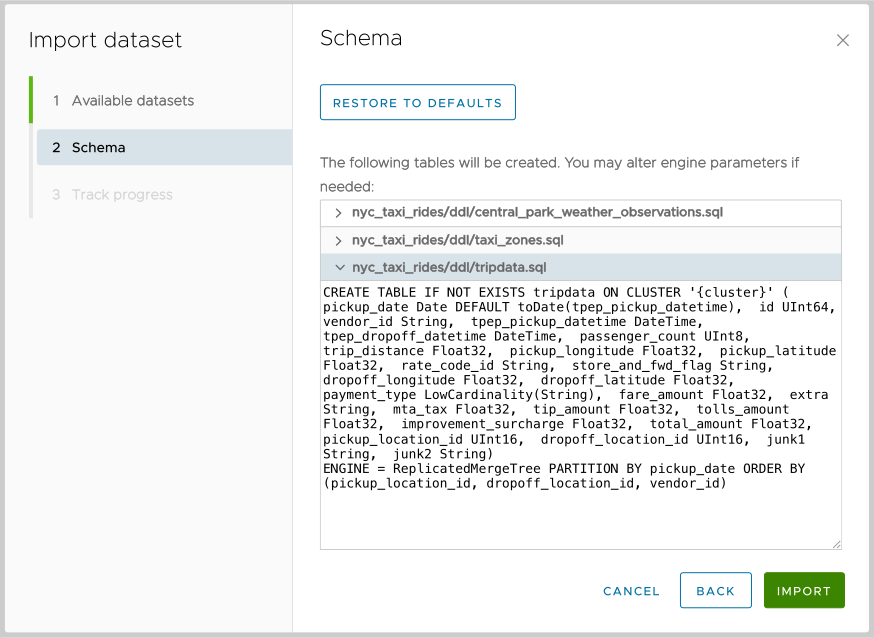
Figure 2 - The Schema tab of the Import Dataset wizard
In this example, three tables will be created when you click the  button:
 central_park_weather_observations, taxi_zones, and tripdata. You can expand each of the entries to look at the CREATE statement and change the engine parameters if you want. Clicking the  button restores the original schema.
Click to import the data:
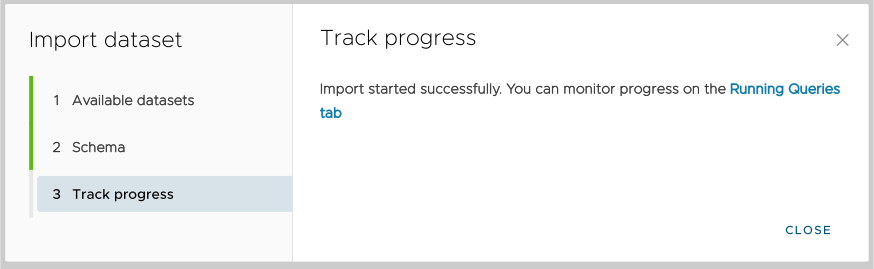
Figure 3 - Tracking dataset import progress
Clicking the link in Figure 3 takes you to the Running Queries tab.