Defining Maintenance Windows
You can define maintenance windows that tell Altinity when certain components of your environment can be updated. That can mean configuring node pools or environment connectivity as well as an update of the ACM itself.
To work with them, click the  icon and select Maintenance Window from the dropdown menu. You’ll see a list of maintenance windows:
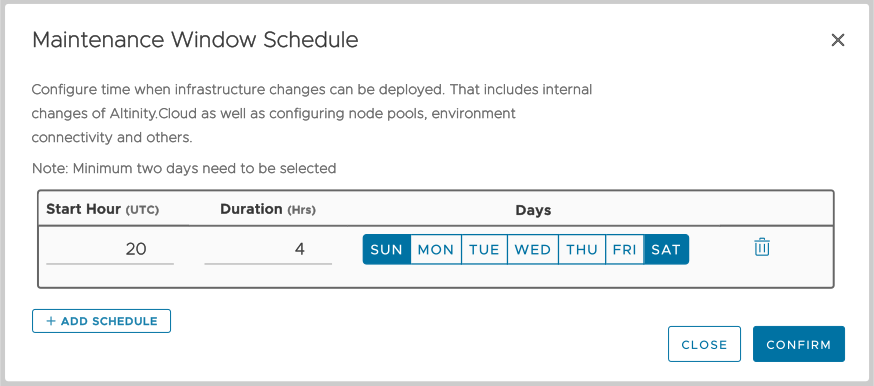
Figure 1 - The Maintenance Window dialog with a maintenance window defined
Click the  button to add a new schedule. Each schedule must include at least two days. In the figure above, there is a single maintenance window that runs on Saturday and Sunday starting at 23:00 UTC for four hours. Note that all starting times are in UTC.
Once your environment has a maintenance schedule defined, a  calendar icon will appear next to the environment name in the Environment summary view:
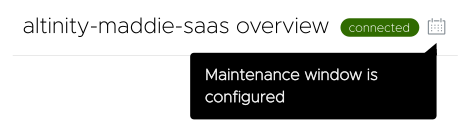
Figure 2 - An environment with a maintenance schedule defined