Converting a Table's Engine to ReplicatedMergeTree
To support replication, you can convert a table’s engine from MergeTree to ReplicatedMergeTree. (A table with a MergeTree engine can’t be replicated.)
To get started, click the EXPLORE button in the Clusters view:
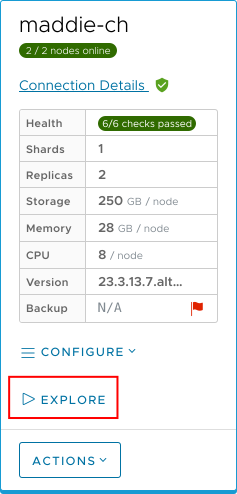
Figure 1 – The EXPLORE button
In the Explorer view, switch to the Schema tab:
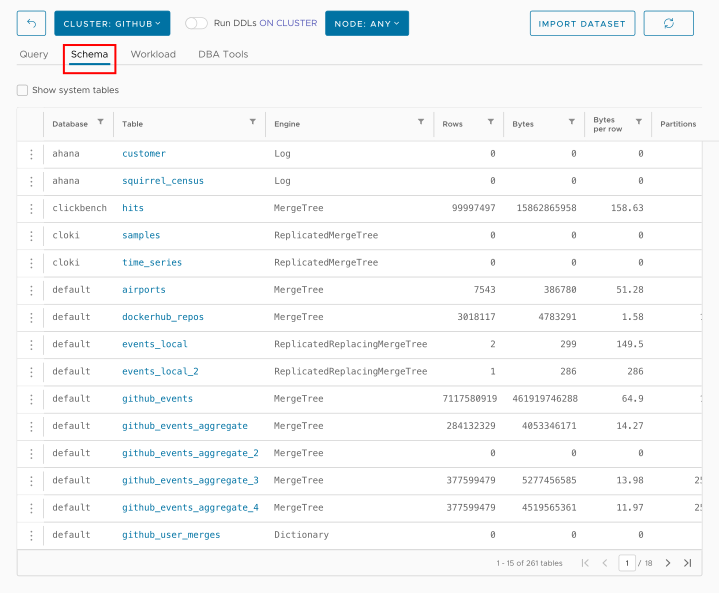
Figure 2 – The Schema tab
Click the  vertical dots icon next to the table whose engine you want to change and select Convert to ReplicatedMergeTree:
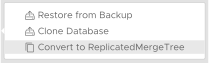
Figure 3 – The Convert to ReplicatedMergeTree menu item
As you would expect, this menu item is only available if a table’s engine is MergeTree.
When you click the menu item, you’ll see a confirmation message:
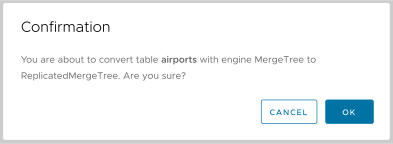
Figure 4 - ReplicatedMergeTree conversion confirmation dialog
Click OK to start the conversion. The database engine will display in yellow while the conversion is in progress:
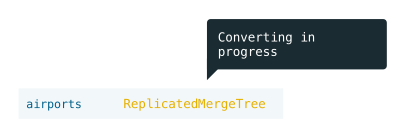
Figure 5 - Conversion to ReplicatedMergeTree in progress