Destroying a Cluster
How to destroy a ClickHouse® cluster
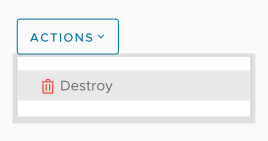
When you no longer need a ClickHouse® cluster, the entire cluster and all of its data can be destroyed. Enter the name of the cluster and click OK to delete it:
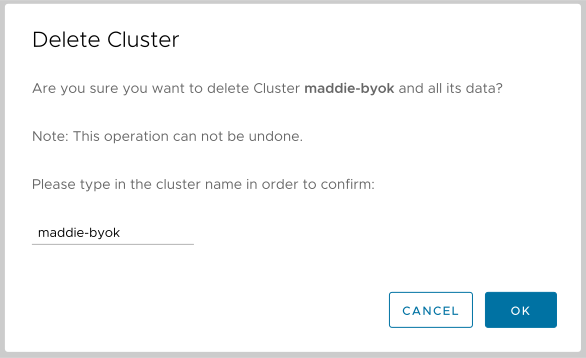
Figure 1 - The Cluster Delete Confirmation dialog
Altinity.Cloud will delete the cluster’s resources unless you click the slider. You’ll also get a warning if there are no backups of this cluster, as shown here. If you’re sure you want to delete the cluster, type the name of the cluster and click the DELETE button.
(Under normal circumstances you should always let the ACM de-provision the cluster’s resources. It’s only useful if the cluster is disconnected from the ACM.)
You can restore the cluster from a backup if one exists; otherwise, you’ll need to recreate the cluster manually.