The SQL console with no backend
Most database UIs are a service you deploy, secure, and babysit. This one is a file.
I've stood up enough internal tools to be tired of them. A SQL UI usually means another web
service: a container, a config, a session store, a service account with broad database rights, a
cert to rotate, and someone paged at 2am when it falls over. For something whose entire job is
"let people type SELECT," that's a lot of surface area.
So the Altinity SQL Browser doesn't have a backend. It's one HTML file, and ClickHouse® serves it.
How that works
You upload the built sql.html into ClickHouse's user_files
directory and add a static <http_handlers> rule. Now GET /sql
returns the app and GET /sql/config.json returns { issuer, client_id }.
That's the deployment. There is no application server in the request path.
Auth happens in the browser. The page runs an OAuth2 Authorization-Code + PKCE flow against your
IdP — discovered from /.well-known/openid-configuration — keeps the
id_token in sessionStorage, and sends it as
Authorization: Bearer … on every query. ClickHouse validates that JWT itself
(its token_processor/JWKS, or a delegated verifier) and runs the query as that user.
The app never holds a credential. There's no shared service account to leak, because there's no service.
Each person signs in with your IdP and ClickHouse sees their identity and enforces their grants.
If Alice can't read billing, the browser can't make her — the database says no.
That's a very different story from a shared app login that can read everything.
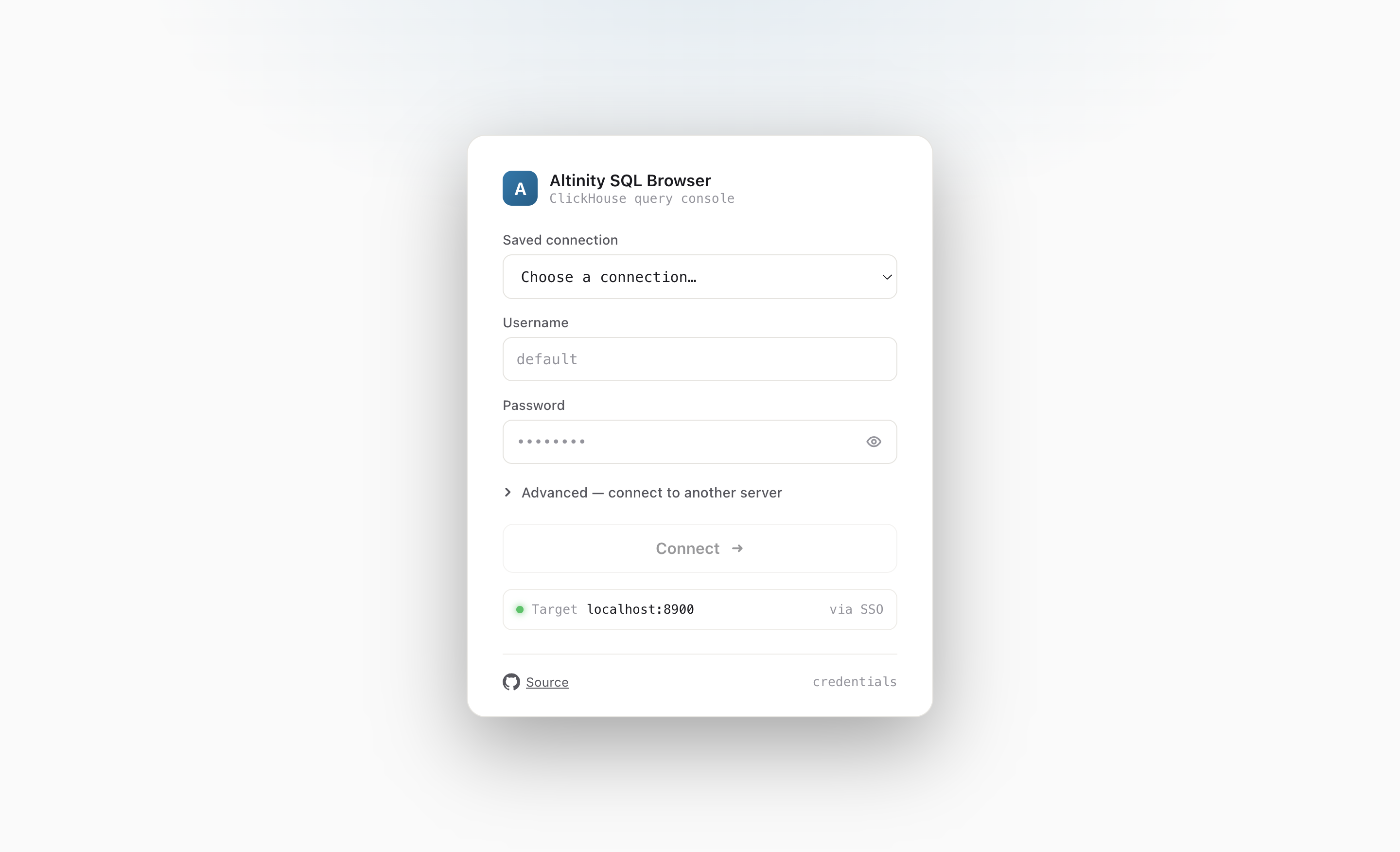
No third-party asset loads
Open the network tab while you use it. You'll see calls to ClickHouse and to your IdP — and nothing else. No CDN, no analytics, no web fonts; it renders in your OS font. Everything the app needs is inlined into that one file at build time, including CodeMirror, Chart.js and its date adapter, dagre, signals-core, and marked. I'd rather ship one file I can diff than a tree of packages I can't.
That's a security property too, and it's enforced rather than hoped for. The handler ships a strict Content-Security-Policy:
default-src 'none';
script-src 'unsafe-inline'; style-src 'unsafe-inline';
img-src data:; font-src 'self' data:; frame-src 'self';
connect-src 'self' https://accounts.google.com https://oauth2.googleapis.com;
base-uri 'none'; frame-ancestors 'none'
The line that matters is connect-src: the browser can only talk to the cluster
and the OAuth origins you allowlisted — the installer fills those in from your IdP's discovery
document. A token can't be shipped off to some other host because the CSP won't open the connection.
frame-ancestors 'none' keeps the page out of an attacker's iframe.
What you get for free
No backend means most of the failure modes just aren't there. Nothing to scale, nothing to patch
between releases, nothing holding a long-lived secret. Upgrading is copying a new file into
user_files — no restart, the static handler serves it live. And because it's
one readable artifact, you can audit the thing in an afternoon instead of trusting a dependency tree.
The trade-off is honest: this only works because ClickHouse already speaks HTTP, terminates TLS, and can validate a JWT. We're not avoiding a backend by hiding one somewhere else — we're using the database you already run as the backend.
If that sounds like less to worry about, the deployment guide walks through the handler and the OAuth wiring. Or just open the live demo and watch the network tab.