A query library you can commit, share, and run anywhere
The useful queries always end up somewhere useless — a Slack DM, a stale wiki, someone's ~/scratch.sql. Yours should be a file you can commit.
Every team that runs ClickHouse® accumulates a folklore of queries: the one that finds parts about to hit the merge limit, the revenue rollup with the three joins nobody wants to rewrite, the lag check you paste during an incident. They live in chat history and people's heads. New hires re-derive them. I've done it; you've done it.
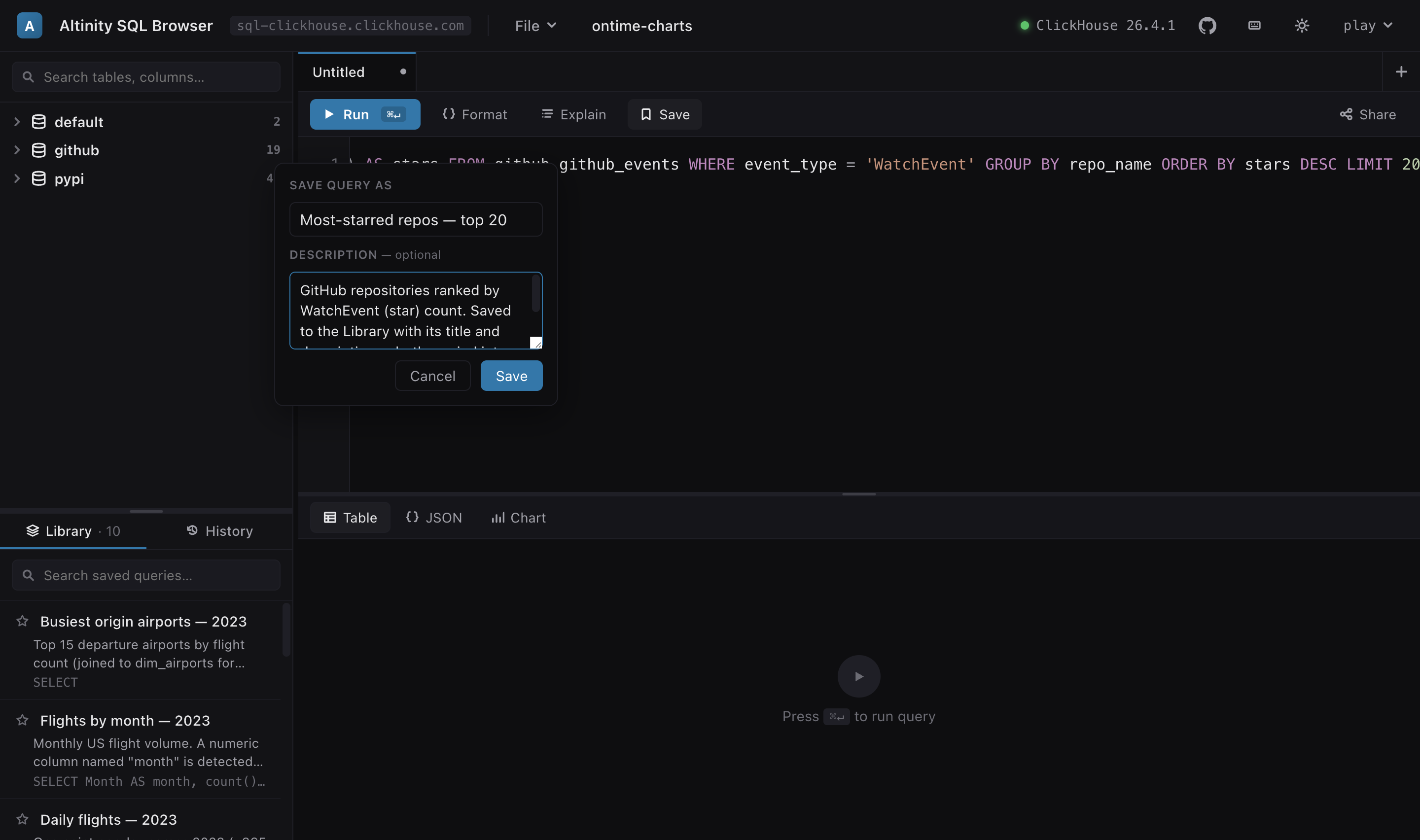
So the SQL Browser treats saved queries as an artifact, not app state. Save a query with
⌘S, give it a name and a description, star the ones you reach for, search the
rest. The whole collection is a named library — and that library is one file.
It's a file, so treat it like one
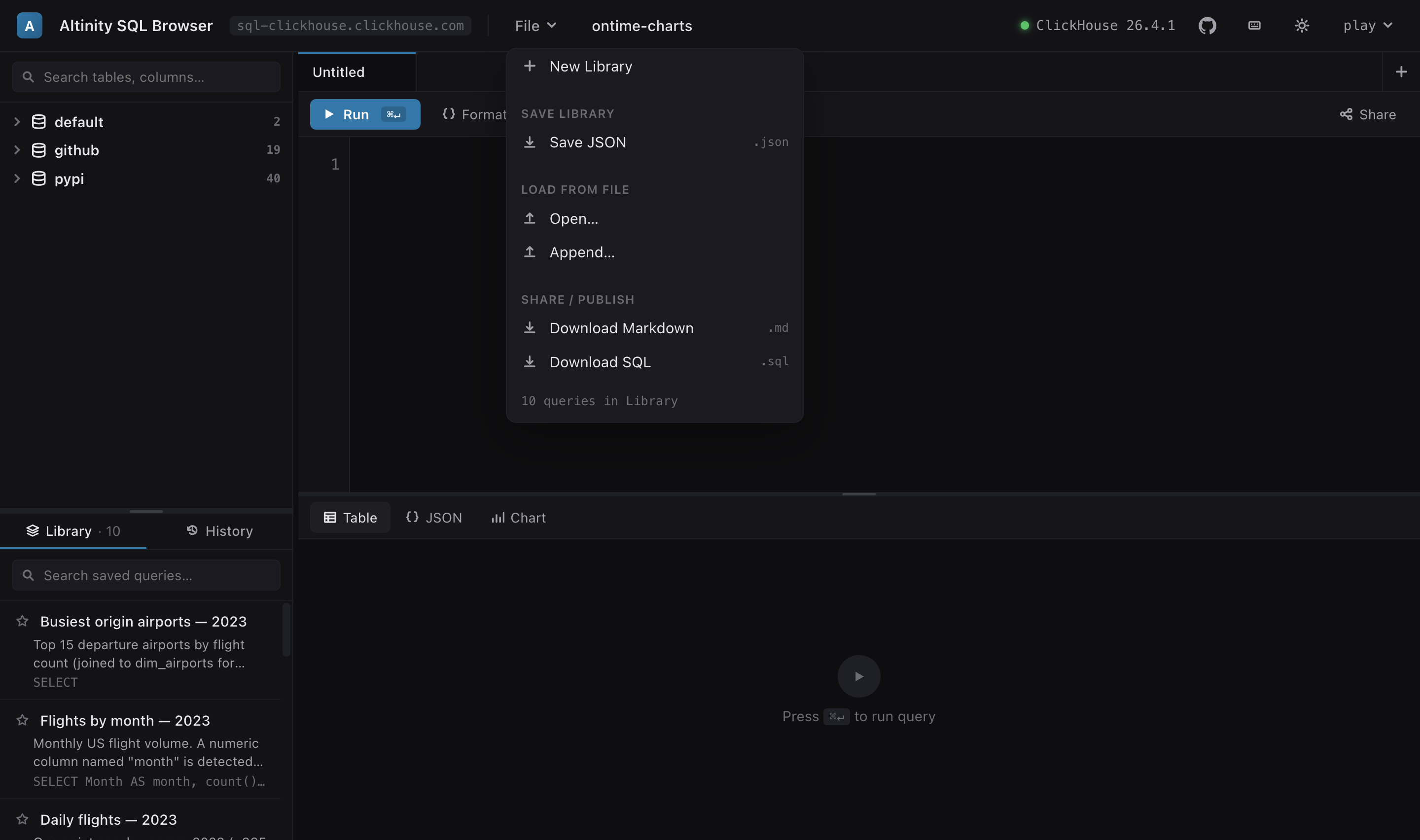
File ▾ → Save writes the library as JSON. Open loads someone else's. Append merges one into yours and de-dupes, so two people can maintain overlapping sets without clobbering each other. That's the whole sharing story — no accounts, no server, no "export to cloud." Sharing a library is sending a file.
Which means it belongs in git. Check queries.json into the repo next to the
schema it queries. Review changes to it in a pull request like any other code. Onboard someone by
pointing them at the file instead of a search through Slack. The library stops being one person's
browser state and becomes something the team owns and versions.
Two exports, two audiences
The JSON is lossless — it round-trips the SQL, the name, the description, even the chart config and the view you left each query on. But not everyone who needs these queries opens the browser, so the library exports two other ways.
Download Markdown gives you a document. Each query becomes a heading, its description, and a fenced SQL block — a cookbook you can paste into a README, a wiki, or a Notion page and it renders everywhere:
### Revenue by category

Revenue per product category from category_revenue — the
mv_category_revenue view derives the category with dictGet().

```sql
SELECT category, sum(revenue) AS revenue
FROM shop.category_revenue
GROUP BY category
ORDER BY revenue DESC
```
Download SQL gives you a program. Each query is a comment carrying its name and description, then the statement, semicolon-terminated:
/* Revenue by category
Revenue per product category from category_revenue — the
mv_category_revenue view derives the category with dictGet(). */
SELECT category, sum(revenue) AS revenue
FROM shop.category_revenue
GROUP BY category
ORDER BY revenue DESC;
The .sql is just SQL — run it anywhere
That second file is the one I keep coming back to. It's a plain SQL script, so it runs without the browser anywhere in your stack. Pipe the whole library through the CLI:
clickhouse-client --queries-file team-queries.sql
# or
clickhouse-client < team-queries.sql
Or open it in DBeaver or DataGrip and step through it
statement by statement — the /* … */ comment above each one tells whoever's
driving what it does and why. The same file is a scheduled job's input, a migration reviewer's
reference, and a teammate's starting point in whatever client they already use. Author the queries
once, with charts and context, in the browser; hand off a format that outlives it.
We dogfood this: the chart demos on the site are a library file —
examples/shop-charts.json,
eight queries with descriptions and chart configs. Download it, File ▾ → Open on the
demo, and you're editing the same library these
examples ship as. Then export it to .sql and run it from your own client.