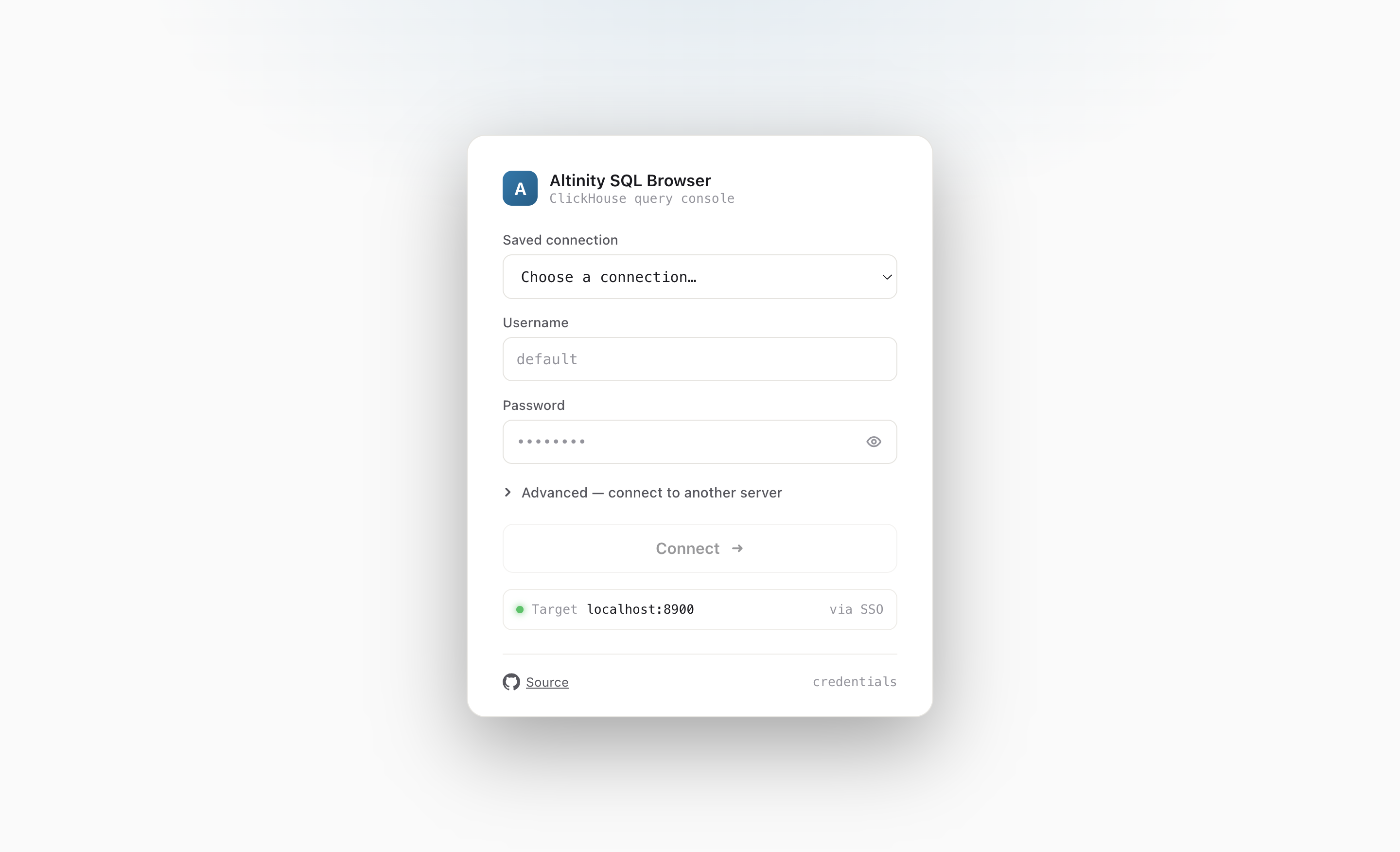
The launcher opens a connection picker built from your saved clickhouse-client connections.
One command installs a launcher and a zero-dependency Python runner. It serves the app at
localhost:8900/sql and points it at the clusters
already in your clickhouse-client config.
curl -fsSL https://raw.githubusercontent.com/Altinity/altinity-sql-browser/main/install.sh | sh
Needs only python3 (preinstalled on macOS & Linux) plus curl or wget.
The launcher opens a connection picker built from your saved clickhouse-client connections.
Asks the GitHub API for the newest tag, then downloads
altinity-sql-browser.tar.gz and verifies its SHA-256 checksum.
Extracts the prebuilt sql.html and the Python runner into
~/.altinity-sql-browser, and drops a launcher at
~/.local/bin/altinity-sql-browser.
Installs ~/.clickhouse-client/sql-browser.xml with public demo endpoints —
without touching your real config.xml.
Run altinity-sql-browser and it boots the runner, probes which clusters are
reachable, and opens http://localhost:8900/sql.
There's nothing to proxy: the browser talks to ClickHouse directly. The runner only serves the SPA and a
generated config.json. It merges connections from your own
~/.clickhouse-client/config.xml (which wins on a name clash) and the sample
sql-browser.xml, and offers each as a Saved connection:
oauth-* keys become an SSO sign-in against that cluster.At startup it probes each connection's HTTP interface — trying both standard ports (443 then 8443 for
secure, 8123 then 80 for plain) and using whichever answers on /ping — and skips
native-only endpoints so they aren't dead picks.
npm run local # build dist/sql.html, then start the picker on :8900
| Variable | Effect |
|---|---|
PORT | Listen port (default 8900). |
ASB_VERSION | Install a specific release tag (default: latest). |
ASB_HOME | Install directory (default ~/.altinity-sql-browser). |
ASB_BIN | Launcher directory (default ~/.local/bin). |
LOCAL_CH_CONFIG | Use a single explicit connections file. |
SQL_BROWSER_PROBE | Set 0 to keep all hosts (skip the reachability probe). |
sessionStorage.The sample connection file ships with public ClickHouse demos, so you can explore immediately:
Altinity Antalya demo — the ontime flight dataset.
The public ClickHouse playground (read-only).
Altinity github.demo cluster.
Want a guided tour? Load the ontime chart demo — ten ready-made queries that walk through every chart type.
curl -fsSL https://raw.githubusercontent.com/Altinity/altinity-sql-browser/main/install.sh | sh